Switch Sports Resort Controllers: Joy-Con 2 vs Joy-Con
By Switch Sports Resort Wiki Editorial Team · Last verified: ·Based on official Nintendo info and press reviews
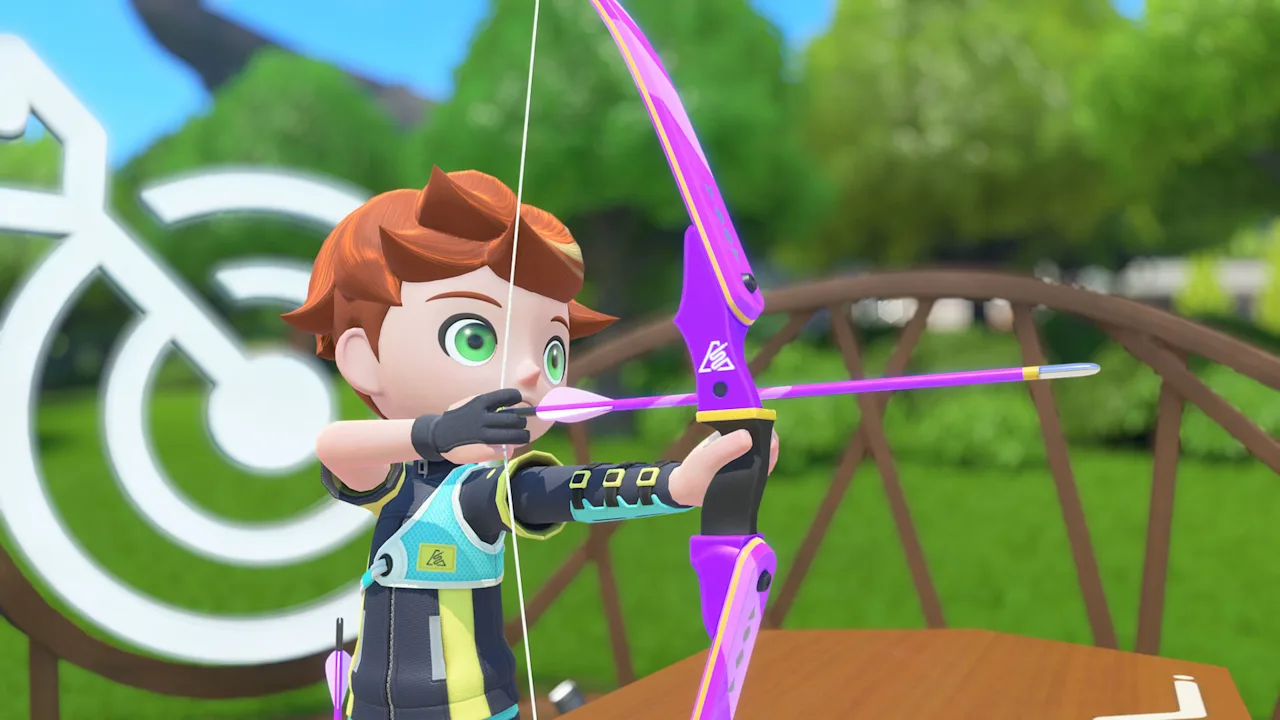 Image: Nintendo
Quick answer
Joy-Con 2 work in every sport. Original Nintendo Switch Joy-Con also work in every sport except Skateboarding, which needs Joy-Con 2 because it uses the mouse sensor. Nintendo hasn't listed the Pro Controller as supported. Each player needs their own controller, and extra Joy-Con 2 are sold separately.
Switch Sports Resort is played almost entirely with motion controls, so your controllers matter more than in most games. The good news: if you already own original Joy-Con, most of them still work.
Compatibility by sport
| Sport | Joy-Con 2 | Original Joy-Con | Controllers per player (reported) |
|---|---|---|---|
| Archery | Yes | Yes | 2 (held like a bow) |
| Basketball | Yes | Yes | — |
| Bowling | Yes | Yes | — |
| Boxing | Yes | Yes | — |
| Golf | Yes | Yes | — |
| Table Tennis | Yes | Yes | — |
| Tennis | Yes | Yes | — |
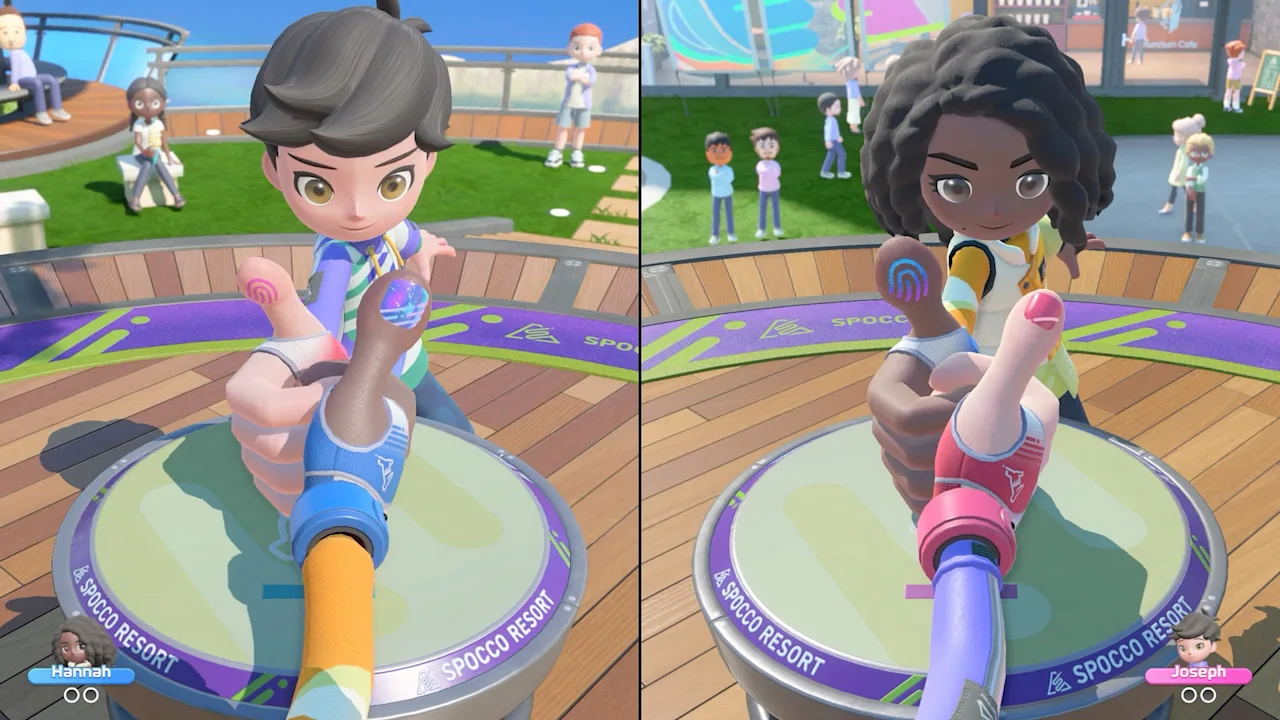
| Thumb Wrestling | Yes | Yes | 1 |
| Volleyball | Yes | Yes | — |
| Power Cruising | Yes | Yes | 2 solo, 1 in multiplayer |
| Prop Plane | Yes | Yes | 1 |
| Skateboarding | Yes (required) | No | 1 Joy-Con 2, mouse mode |
A dash means we haven't confirmed the count yet. We'll fill these in from our own play sessions.
How each type of control works
Swing and point sports
Tennis, Table Tennis, Golf, Bowling, Basketball and Volleyball turn the Joy-Con into the racket, paddle, club or ball. Nintendo describes Joy-Con 2 being used "as rackets, bows and even handlebars."
Archery
Boxing
Joy-Con 2 HD Rumble gives feedback on your punches, according to reviews. Boxing also has a Punch Gauge that starts full and drains with each swing, so wild flailing wears you out.
Thumb Wrestling
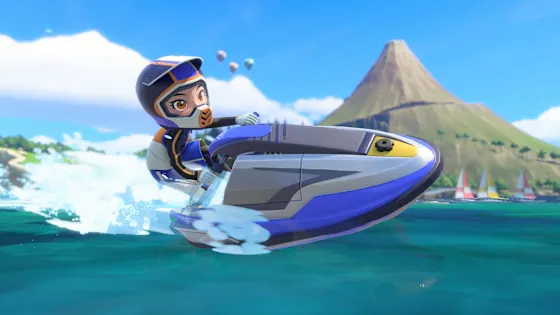
Power Cruising
Hold two Joy-Con out in front of you like jet ski handlebars. Reviews say twisting the right Joy-Con triggers a turbo boost, and that multiplayer switches to one Joy-Con per player.
Prop Plane
Hold one Joy-Con like a toy airplane. Tilt to steer and thrust it forward to speed up.
Skateboarding (Joy-Con 2 only)
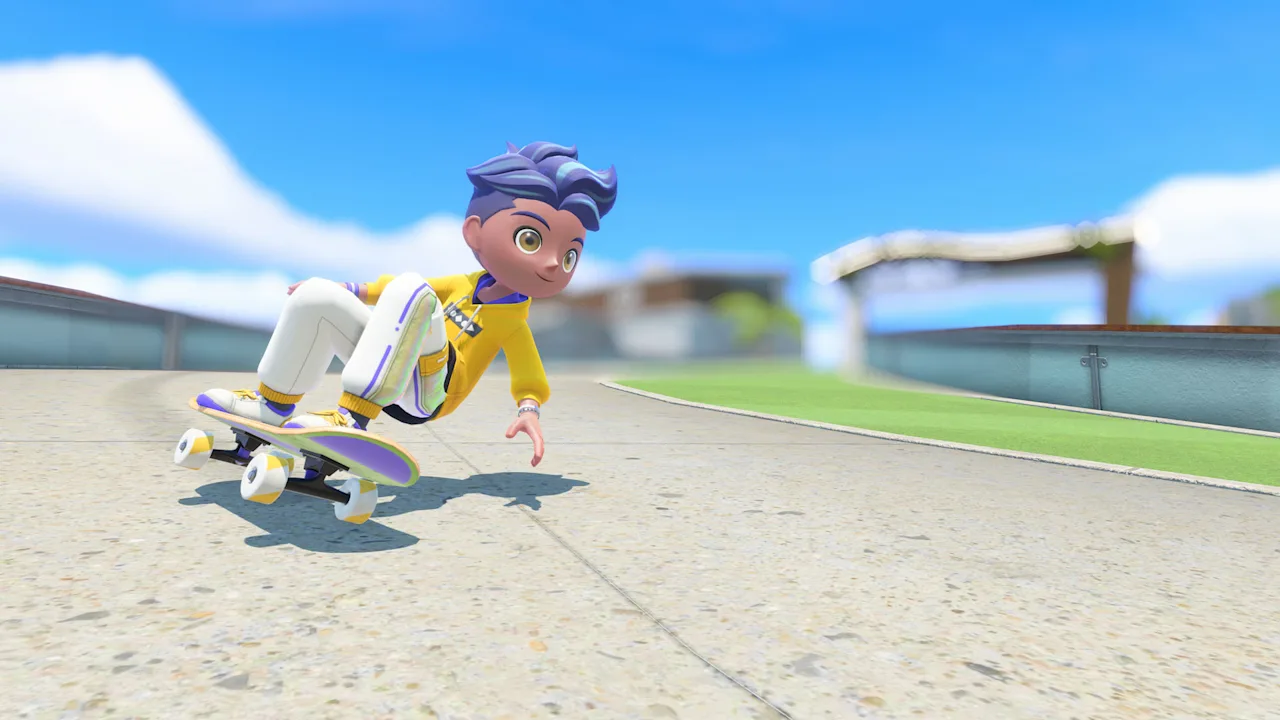
You rest a single Joy-Con 2 on a flat surface and use it in mouse mode to ride. Make space on a table or a smooth, flat surface before you start a Skate Sprint. We're writing a full Skateboarding controls guide based on our own runs.
Pro Controller and other controllers
How many Joy-Con 2 should you buy?
A Nintendo Switch 2 comes with one pair of Joy-Con 2. Here's what that covers:
- Solo play: Everything, including Skateboarding.
- Two players: Every sport. For Skateboarding, each player uses one Joy-Con 2 from the pair.
- Three or four players: Use your old Joy-Con for most sports. For four-player Skate Sprint, you'll need two more Joy-Con 2.
See the multiplayer guide for player counts in every mode.
Common questions
›Do old Joy-Con work with Switch Sports Resort?
Yes, for every sport except Skateboarding. Original Joy-Con can be connected to Switch 2 and used for the other 11 sports. Skateboarding needs the Joy-Con 2 mouse sensor.
›Can you use a Pro Controller?
Nintendo's store page doesn't list the Pro Controller, and the sports are designed around motion controls with Joy-Con. Plan on Joy-Con for every player. We'll update this answer after testing.
›Why does Skateboarding need Joy-Con 2?
You steer the skateboard by using a single Joy-Con 2 like a computer mouse on a flat surface. Original Joy-Con don't have the optical sensor that mouse controls rely on.
›Do I need wrist straps?
Nintendo recommends wearing wrist straps and leaving enough room around you during play. It's worth doing for swinging sports like Tennis, Boxing and Bowling.
Related guides
Sources
- Nintendo of America: Nintendo Switch Sports Resort — official store page
- Nintendo: Nintendo Switch Sports Resort for Nintendo Switch 2 launches on October 22
- Inven Global: New Details Revealed for Nintendo Switch Sports Resort
- My Nintendo News: Review: Nintendo Switch Sports Resort
- Shacknews: Nintendo Switch Sports Resort review: Wuhu Island getaway
Update log
- — First published using Nintendo's official info and pre-release reviews.